 gibeon.io
Screens for events
Room signs, sponsors and the programme update automatically per booking, for conferences, trade shows and venues. Same screens, different event: everything changes along without you touching the hardware.
Updated
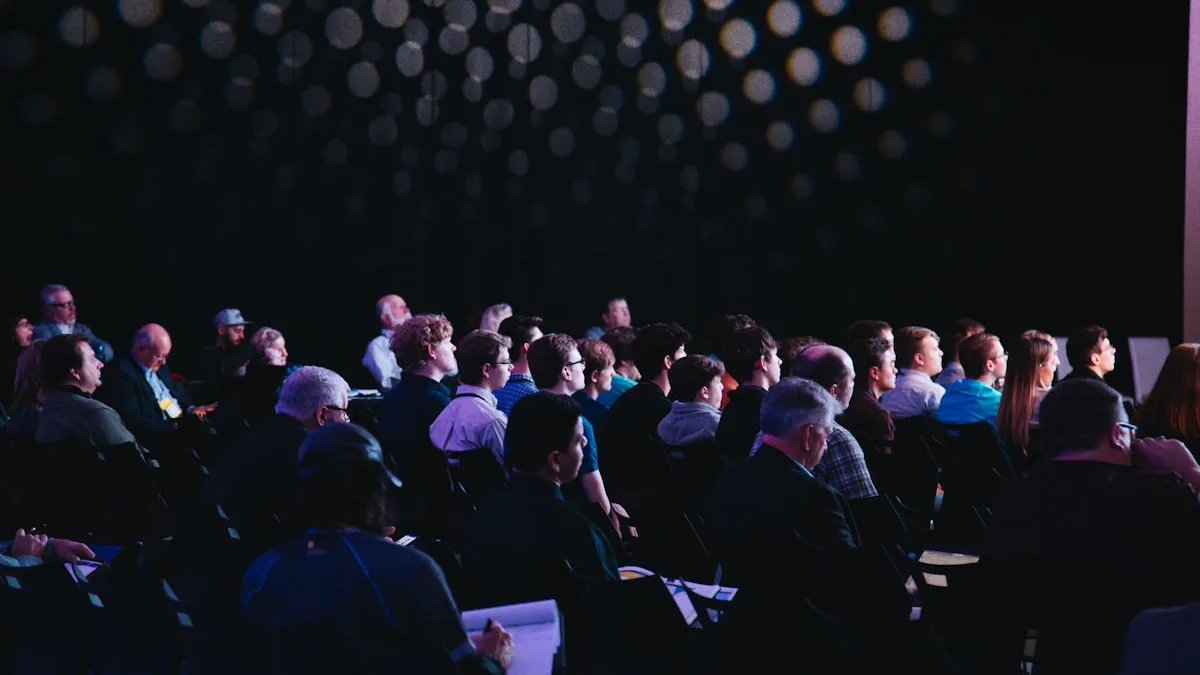
Room signs that update themselves
Session, speaker and time slot per room automatically, fed from your calendar or a CSV.
Sponsors always on screen
Logo rotation and partner content on every screen in the venue, on schedule.
One setup, every programme
Same screens, different event. Everything changes along per booking without touching the hardware.
The screen in your venue works again for every event
A conference venue with twelve rooms faces the same challenge at every event: guiding visitors to the right room, keeping sponsors visible and pushing out programme changes quickly. Swapping out paper signs at the door takes time; a staff member entering every change by hand is a bottleneck. A screen that automatically shows the right session for the right room solves that.
Gibeon lets you load the programme from a CSV file, an iCal feed or a REST endpoint from your event tool. All room screens refresh automatically. When a speaker changes at the last minute or a session moves, you edit the programme in your source. The screens follow within fifteen minutes. Sponsors rotate on a separate template, on schedule and per screen location.
Six spots in your venue where the screen does its job
Room and session signs
A screen at every door showing the active session, the next session, the speaker and the time slot. Updated automatically from your programme data.
Sponsor and partner rotation
A logo slideshow of gold, silver and bronze sponsors on screens in the hall, foyer or corridor. Rotation speed and order configurable per template.
Programme and wayfinding
An overview screen in the entrance hall with the full day programme, room layout and floor plan. Visitors find their way without a help desk.
Speaker and keynote lower thirds
A screen beside the stage shows the name, title and organisation of the active speaker. Handy for photographers, livestream viewers and the back rows.
Registration and welcome
Welcome message, wifi code and check-in queue instructions on screens at the entrance. Fewer questions at the desk, smoother flow.
Highlights and after-movie
Between sessions or afterwards: highlights of the event or a teaser for the next edition on every screen in the venue.
Connections with your event tools · Via feed, iCal or CSV, whichever fits your workflow
CSV / Google Sheets
Export your session schedule as a CSV or point to a Google Sheet. Gibeon polls every 15 minutes and spreads the data across the room screens automatically.
iCal feed
Does your event tool have an iCal export? Gibeon reads the calendar data and maps sessions to room screens based on the location field or category.
Ticketing and event platforms
A connection with Eventbrite and other ticketing platforms runs via a CSV or REST feed. Native connectors are on the roadmap.
Working with a different event or registration platform? With a CSV or REST feed you're always good to go.
Frequently asked questions
Can the programme appear on the screen automatically per session?
Yes. You provide a CSV export, an iCal feed or a REST endpoint with your session data, and Gibeon shows the right session per room on the screen automatically. Programme changes are visible within fifteen minutes on every room screen.
Does Gibeon work for temporary setups or rental screens?
Yes. Gibeon runs on any Android stick or Smart TV you install temporarily. You manage all screens from one workspace in the browser. No local server, no network technician on site.
Can we manage several rooms at once?
Yes. Each room gets its own screen zone in Gibeon. You assign the right session data per zone from one shared programme file. Entered centrally, spread across rooms automatically.
Can every edition of our event get its own branding or white label?
Yes. You switch the colour scheme, the logos and the templates per event. Sponsors get their own logo block in the rotation. White-label branding (without the Gibeon logo) is available on higher plans, see /plans.
How much does this cost per screen?
Nothing per screen. You pay per workspace, not per screen. Check the current rates at /plans.
Does it still work when the venue wifi is unreliable?
Gibeon stores the latest version of your content locally on every screen. During a brief internet outage the screen keeps running with the cached content. As soon as the connection is back, changes sync automatically.
Other sectors · more verticals
Screens for the office
Reception TVs, careers walls and meeting-room status for companies and organisations.
HOSPITALITYScreens for hospitality
Digital menu boards, happy-hour rotations and lobby TVs that update themselves.
EDUCATIONScreens for your school
Class schedules, room changes and a digital noticeboard in the hallways, always current.
Ready to let your venue screens think along?
Start free and see your first screen live within fifteen minutes. Prefer a tour first? Book a twenty-minute demo.