 gibeon.io
Screens for the office and careers walls
Reception TVs, careers walls, meeting-room status. One platform for the whole office building, even when it's multi-tenant. Fed by your ATS, calendar or agenda API.
Updated
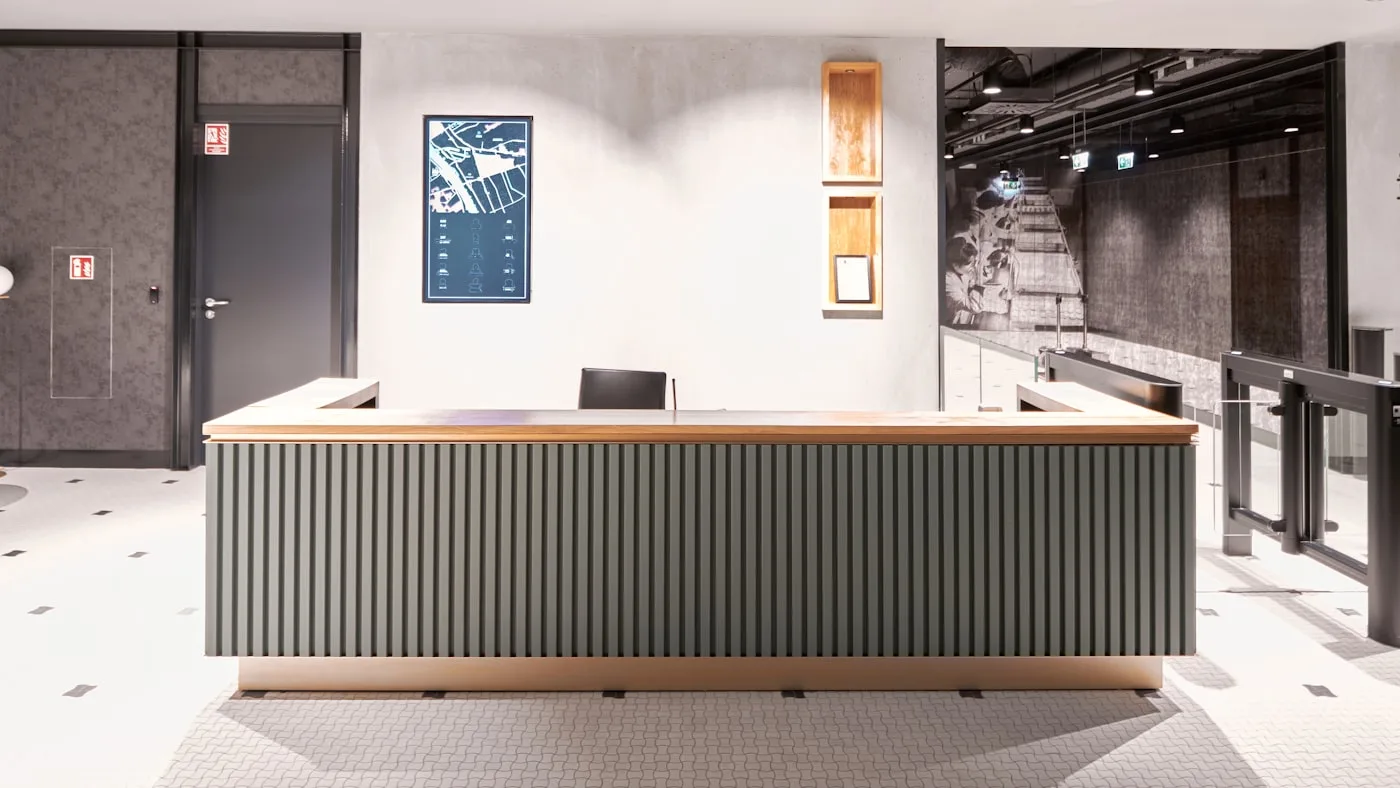
A reception that's always right
Visitors, wayfinding and company news on a single screen.
Internal comms without the email
Vacancies, KPIs and announcements on the screens around the building.
Meeting-room status at a glance
Booked or free, straight from your calendar.
The office screen that keeps itself up to date
A reception TV that someone edits every morning is a reception TV that's out of date within a week. A careers wall with printed vacancies is a wall HR has to refresh every week. A meeting room with handwritten "occupied" signs sparks a fresh argument between colleagues every day.
Gibeon pulls the data from where it already lives, your ATS, your calendar, your agenda, and puts it on the right screen automatically. Changes to vacancies, meetings or visitors show up within the quarter hour. No handiwork per screen.
Five screens every office needs
Reception TV
A welcome message with the visitor's name, the day's agenda, the weather, the markets, local tips. Replaces the paper sign-in sheet and the post-it on the desk.
Careers wall (employer branding)
A large screen in the hall or by the entrance with open vacancies from your ATS. Catches passers-by, signals that the company is growing, widens your applicant pool.
Meeting-room status
A small screen by each meeting-room door with the current booking, the next meeting, availability. Works with Google Calendar, Outlook or Teams.
Open-space screen
Team announcements, KPI dashboards (from Looker, Tableau, PowerBI), the company's social feeds, new colleagues. Builds culture without HR emailing every week.
Cafeteria / break zone
Lunch menu from the cafeteria system, coffee-machine status, gym occupancy, after-work events. Makes the breaks more interesting.
Multi-tenant office building
A central reception TV and lift display run by the building owner; tenant-specific screens run by the tenant. Separate workspaces under one Business account.
Software-only, one price per workspace
An average office of 50 people has between three and ten screens: a reception TV, two to four meeting-room screens, a careers wall, an open-space TV. With classic per-screen vendors (€40 to €80 per screen per month) that climbs to €240 to €800 a month for software alone.
Gibeon charges per workspace, not per screen. Thirty screens cost the same workspace price as six. Still less than the classic vendors ask for three screens. See the current rates at /plans. You buy hardware from your IT supplier or through an AV partner in our network.
Connections with your office systems · Vacancies, calendars, KPIs, from one source onto the right screen
ATS systems
Recruitee, Greenhouse, Workable, SmartRecruiters, Personio. Vacancies, locations and publication status flow automatically to the careers wall.
Calendar systems
Google Workspace, Microsoft 365 (Outlook + Teams), Apple iCloud via CalDAV. Meeting-room status and the day's agenda on the screen with no manual sync.
Dashboards and BI
Iframes and embeds from Looker, Tableau, PowerBI, Metabase, Datawrapper. A KPI overview for open-space screens or executive displays.
Frequently asked questions
Can I show open vacancies on the screen automatically?
Yes. Gibeon connects to your ATS (Recruitee, Greenhouse, Workable, SmartRecruiters) or reads a vacancy feed of your own (XML, JSON, CSV). New vacancies appear automatically on the careers wall or the employer-branding screen in your reception. A vacancy that expires disappears without HR having to touch the screen.
Does this work for a reception screen at an office?
Yes. A reception TV shows welcome messages with the visitor's name (from your agenda API), the day's appointments, meeting-room status and team photos.
What about meeting-room status?
For each meeting room you show the current booking, availability and next meeting on a small screen by the door. The data comes from Google Calendar, Microsoft Teams, Outlook or another booking system.
Which ATS and calendar systems work?
For vacancies: Recruitee, Greenhouse, Workable, SmartRecruiters, Bullhorn, Personio. For calendars: Google Workspace, Microsoft 365 (Outlook + Teams), Apple Calendar via CalDAV.
How much does this cost for an office with several screens?
One workspace for your whole office, one price per workspace. No licence per screen. Whether you have six screens or thirty, the workspace price stays the same. See the current rates at /plans.
Does it work for multi-tenant office buildings too?
Yes. A landlord or owner of an office building can set up a separate workspace per tenant, or one central workspace with per-screen rights. The owner manages reception and lift displays; the tenant manages the screens in its own zone.
Other sectors · more verticals
Ready to automate your office screens?
Start free and see your first screen live within the quarter hour. Prefer a tour first? Book a twenty-minute demo.