 gibeon.io
Screens for clinics and care homes
Calm, always-current information in the waiting room, at the desk and in the hallway. Opening hours, notices and health tips, kept up to date automatically, with no one swapping a poster every day.
Updated
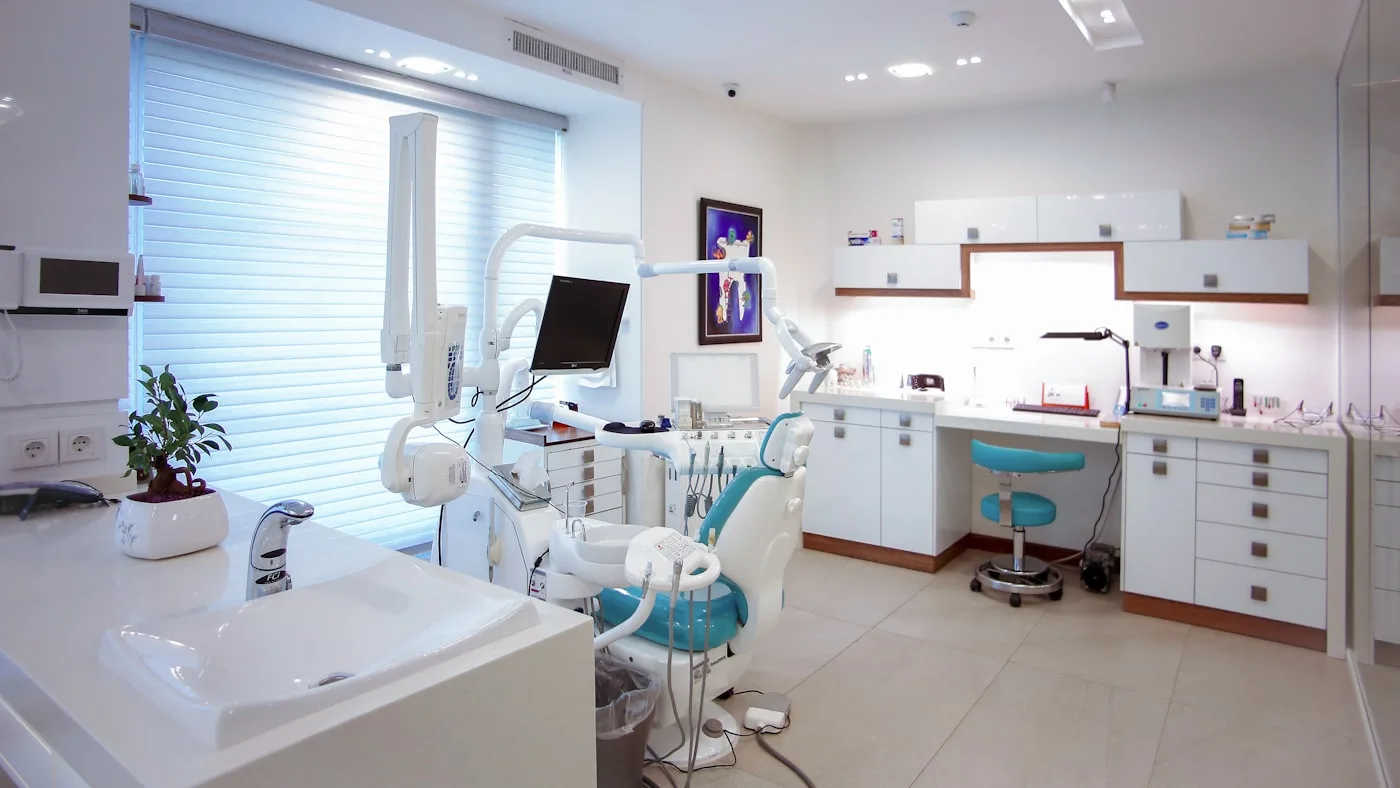
A calm, up-to-date waiting room
Opening hours, notices and health tips, kept up to date automatically with no manual work.
Fewer questions at the desk
Directions, appointment info and house rules go on the screen. Less repeating yourself, more time for the patient.
One workspace for your whole organisation
Separate management per location, with central branding and campaigns across every site at once.
A screen in the waiting room does more than pass the time
A well-set-up screen in a waiting room calms and informs at the same time. Health tips, prevention campaigns, opening hours, contact details, all things patients want to know but that the front-desk staff would otherwise repeat over and over. One screen replaces dozens of those conversations a day.
In a care home it goes further still. The daily menu, the activity calendar, a message from management to staff: all that communication can go on a screen in the common room, the hallway or the staff room. The content adapts through a CSV export or a simple REST feed, with no one climbing a ladder to swap a poster.
Six places in your care organisation where the screen earns its keep
Waiting room: info and health tips
A calm flow of information: opening hours, contact details, prevention tips, seasonal campaigns. No flashing ads, no cluttered display.
Queue or call number
Show call numbers or names discreetly on the waiting-room screen. Patients see when it is their turn without staff having to call out every time.
Care homes: daily menu and activities
The menu of the day, the activity schedule, a weather forecast for residents who get around less easily. Fed from a CSV or Google Sheet, refreshed automatically every day.
Reception and wayfinding
A floor plan of the building, ward numbers, the wifi code for visitors. Fewer directions to ask the front desk, more comfort for the visitor.
Staff communication (back office)
In the staff room or the nurses' station: roster changes, internal notices, safety info. Separate from the patient screen, the same workspace.
Prevention campaigns
Flu vaccination, cancer screening, exercise on prescription: you set time-limited campaigns for a specific period, after which the screen switches back to the standard information automatically.
Connections with your care systems · Via feed or CSV, whichever fits your organisation
CSV / Google Sheets
Export your daily menu or activity schedule as a CSV, or point to a Google Sheet. Gibeon polls every 15 minutes and shows the result on the screen automatically.
REST feed (your own system)
Does your appointment or care system have a REST endpoint? Gibeon fetches the data and maps the fields into your template. Works with any system that delivers JSON.
Practice and EHR systems
Connecting to practice-management software or electronic health records runs through a CSV or REST feed today. Direct native connectors are not a goal. Patient systems do not belong on a public screen.
By default Gibeon shows no patient-identifiable data. What goes on the screen is entirely up to you.
Frequently asked questions
Does patient data end up on the screen?
Only what you set up yourself. By default Gibeon shows non-identifiable info: health tips, opening hours, notices. You can add a call number or queue number yourself if you deliberately choose to. The connection and the design are your responsibility, not something that happens automatically.
Can the waiting room get a calm display without flashing ads?
Yes. You set the pace and the style yourself. Gibeon has no mandatory ads or external ad blocks. You set the transition speed, the colour palette and the content blocks yourself in the editor.
Which screens work in a care setting?
Any commercial smart TV or professional display will do. For a waiting room, pick a screen with a brightness of at least 350 nits. Gibeon runs as an app on the screen, with no separate media player needed.
Does Gibeon work for multiple locations or a group practice?
Yes. You manage every location from one workspace. You roll out the central branding and prevention campaigns across all sites at once, while each location keeps its own daily menu, activities and notices.
How much does this cost per screen?
Nothing per screen. You pay per workspace, not per screen. See the current rates at /plans.
Does it work without a constant internet connection?
Yes. Gibeon stores the latest version of your content locally on the screen. During a brief outage the screen keeps running on the cached content. As soon as the connection is back, changes sync automatically.
Other sectors · more verticals
Screens for the office
Reception TVs, careers walls and meeting-room status for companies and government.
EDUCATIONScreens for schools
Timetables, notices and ambient footage in the hallway or at the entrance.
HOSPITALITYScreens for hospitality
Digital menu boards, happy-hour rotations and lobby TVs that update themselves.
Ready to make your waiting room calmer and more informative?
Start free and see your first screen live within fifteen minutes. Prefer a tour first? Book a twenty-minute demo.